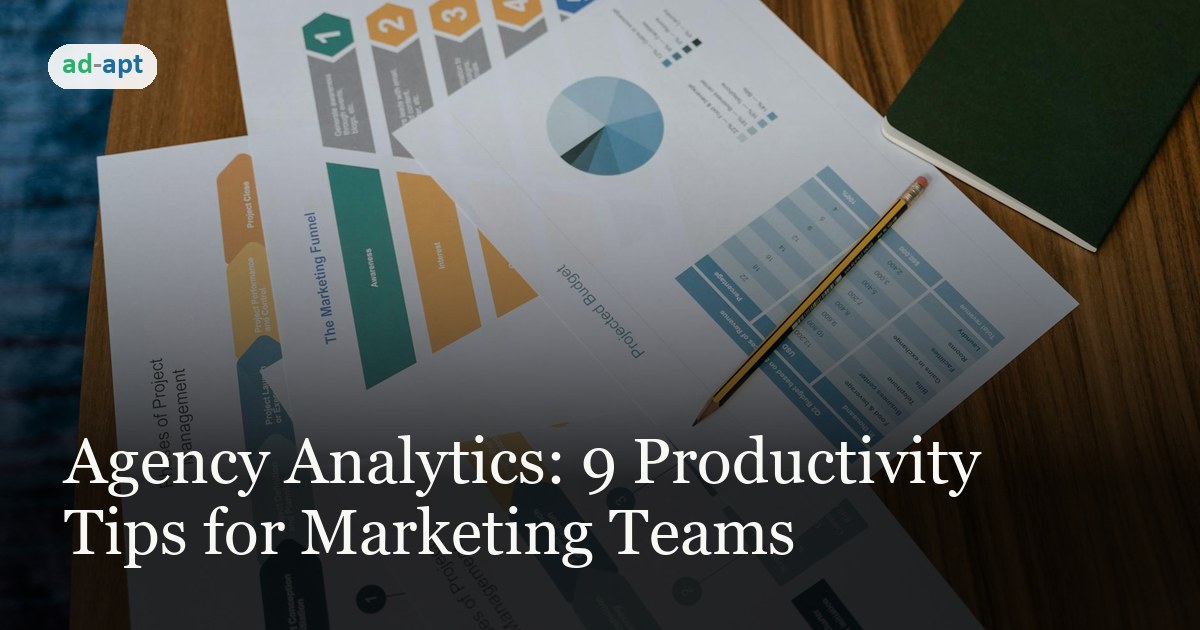
Agency Analytics: 9 Productivity Tips for Marketing Teams
Marketing agencies lose hours every week to manual reporting, fragmented data, and task tracking across multiple tools. Agency Analytics consolidates the workflow—if you know how to use it.
Here are nine concrete ways to cut agency overhead and keep campaigns moving.
1. Build a Custom Dashboard
Stop digging through menus for the metrics that matter. Agency Analytics lets you arrange your dashboard to show the data you check first. Organic traffic, conversions, keyword rank, competitor moves—whatever your team watches, pin it to the top.
2. Schedule Automated Reports
Reporting is table stakes. Set up scheduled PDF and CSV exports once, and Agency Analytics delivers them to inboxes, clients, and APIs on the cadence you define. White-label templates mean less formatting, more time for strategy.
3. Use the Keyword Research Tool
Find gaps and validate bids faster. Search volume, CPC, competition scores, and related keywords all live in one view. You can spot high-intent, low-competition phrases without tab-switching to three tools.
4. Monitor Three Competitors in Parallel
Track up to three competitors side-by-side. Watch their ranking shifts, traffic drops, and content moves. Early warning beats scrambling to explain why your client lost share.
5. Assign and Track Tasks in One Place
The task manager stops email from becoming your project tracker. Assign work to team members, set deadlines, and watch progress roll up. Reduces "where did that task go?" by half.
6. Tag Campaigns, Clients, and Keywords
Tagging is how you slice data without running the same report eight times. Create tags for campaign type, account tier, initiative, or anything else your team filters by. Analysis gets faster when you can slice the data every way you need.
7. Attach Context with Notes
Drop notes on campaigns, clients, and keywords. "Account under review," "paused due to budget," "testing new messaging"—that context matters when someone else picks up the work three months later.
8. Set Up Alerts on Key Metrics
Drops in organic traffic, ranking shifts, or conversion changes warrant immediate attention. Alerts notify you the moment a threshold is crossed. You react in hours instead of weeks.
9. Lean on Support When You're Stuck
Email, phone, knowledge base, and video tutorials mean you can unblock your team fast. Doesn't matter if it's a feature question or a technical issue—support is there.
The Outcome
Agency Analytics works when your team actually uses its core features. Dashboard customization, automation, and tagging are the big time-savers. Invest an hour getting those three right, and you'll feel the difference in your week.